The Future of Business Management Software: Run by AI, Supervised by People
On its own, AI is fast but unreliable for running a business. Its potential skyrockets when it operates management software through an MCP connector. Here is my view of how running a company is about to change, and why every piece of management software should be getting ready now.

- MCP
- Automation
- Productivity
- Artificial intelligence
- Business

I have spent years building business management software: tools to keep track of customers, appointments, sales, invoices and staff. Throughout that time, the conversation about artificial intelligence has almost always revolved around the same question: will AI replace management software? My answer is no. What it will do is more interesting: completely change the way we use it.
My thesis is simple. On its own, without a structure underneath, AI is inefficient at running a business. But when AI operates management software, efficiency skyrockets. You handle your day-to-day admin by talking to the AI, the AI talks to your software through a connector, and everything is stored correctly. You only open the software for what really matters: viewing, checking and deciding.
AI on its own is a brilliant employee without a filing cabinet
Imagine hiring someone incredibly fast, who understands everything the first time and never gets tired. But you give them no filing cabinet, no spreadsheet and no house rules. They will get a lot done, but sooner or later you will have a problem. That is AI without a structure underneath:
It has no reliable memory. What it “knows” about your business depends on what is in the conversation. Tomorrow it may not know that a customer has already paid.
It does not store data in an orderly way. Ask it to keep your appointments and it will record them differently every day. Without organised data there are no reports, no searches and no way to know how the month is going.
It does not check its own work. It can miscalculate a tax or book two appointments at the same time, and tell you so with total confidence.
It cannot comply with the law on its own. Invoicing, time tracking and data protection require a system that guarantees nothing is lost or tampered with.
It is not shared. A business with several people needs a single source of truth, not each person's private conversation with their own AI.
Management software: organised, but slow to operate

Photo by Kindel Media on Pexels
Management software is the exact opposite. It has structure: every customer, appointment and invoice is stored in its place, always under the same rules. It has memory: what goes in today is still there five years from now. And it has rules: it will not let you issue an invoice without the mandatory details or skip a number in the sequence.
Its problem is a different one: it takes effort to operate. Screens, menus, forms and clicks. You have to learn where everything is, train every new team member and spend a good part of each day typing in what has already happened.
The combination: AI proposes, the software validates
This, for me, is the key to everything. When you put the two pieces together, each one does what it does best:
The AI understands what you want. The software checks that it is possible and correct, and stores it.
Here is an example. At the end of the day you tell your AI: “Book Laura in for Thursday at five, charge her for yesterday's service and email her the invoice.” Today that is three tasks across three different screens. In this model it is a single sentence, typed or spoken. The AI finds Laura in your software, checks whether Thursday at five is free, creates the appointment, records the payment, issues the invoice with its sequential number and sends it.
And if something does not add up (say, Thursday at five is already taken), it is not the AI that makes up a solution. The software rejects the operation, and the AI explains why and suggests alternatives. Your business rules still live in the software, which is where they cannot go wrong.
The bridge: what an MCP connector is
For this to work, the AI and the software need to be able to talk to each other. That is what MCP (Model Context Protocol) is for: an open standard that defines how an AI connects to other applications.
The easiest way to understand it is to think of a universal plug. In the past, every device had its own charger; with a standard, any charger works with any device. MCP does the same: the management software exposes its actions (create a customer, find free slots, issue an invoice) and any compatible AI can use them, always within the permissions you have granted.
This has an important consequence: management software does not need to build its own AI. It needs to be operable by any AI. And you are not tied to any particular assistant: if you switch AI tomorrow, your data stays exactly where it is.
The screen moves from operating to supervising
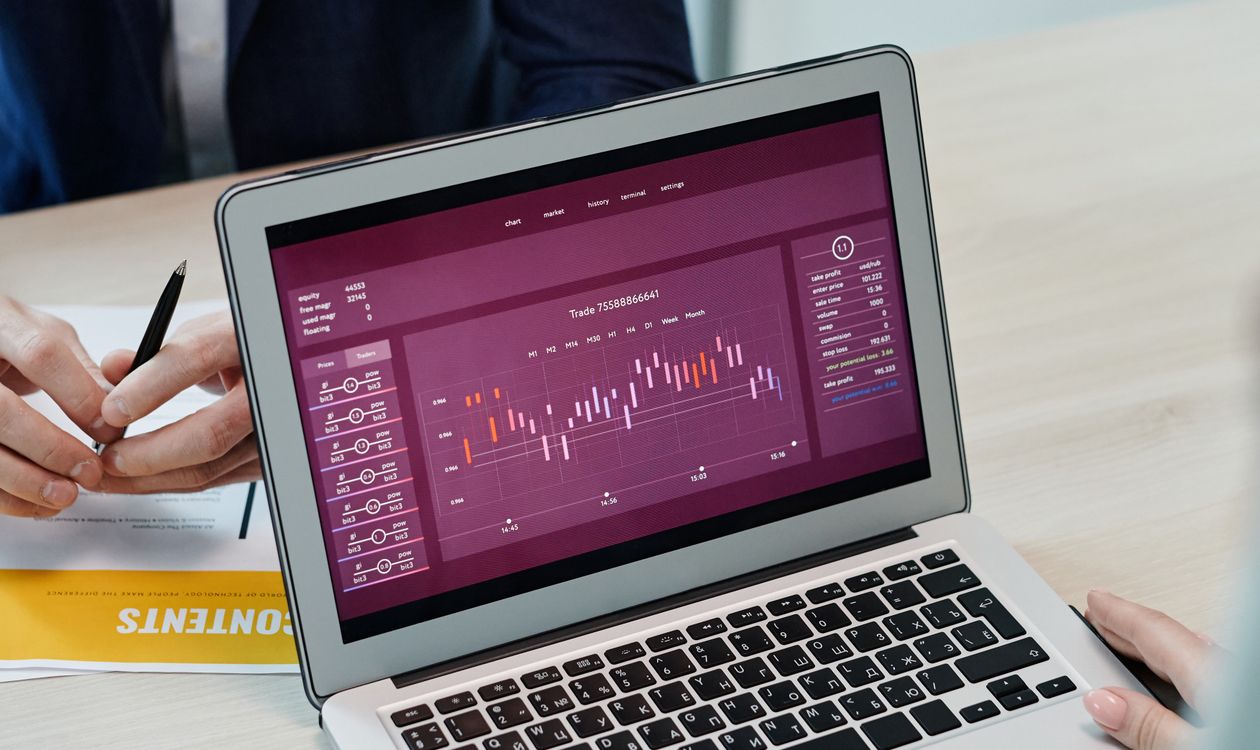
Photo by Tiger Lily on Pexels
If the day-to-day work is done by talking to the AI, what is the software for? For what it should always have been for: giving you control.
I believe we are heading towards a model where people open the software to view and check, not to type: looking at the week's schedule, reviewing the month's invoicing, spotting which customers have not come back in a while, or checking that what the AI did is right. Screens do not disappear; they change role. They stop being a workspace and become a control panel.
What I think will change
The interface will stop being what sets software apart. If most of the work happens through AI, what will matter is how well organised the data is, how solid the rules are and how good the connector is.
Software without a connector will become isolated. Just as software without a web version or mobile support was left behind, management software that cannot be operated by AI will be out of the game.
Learning to use software will stop being a barrier. Nobody will need to be shown where each button is. Knowing how to ask clearly and how to review the result will be enough.
Reports and alerts will become more important. If the screen is for supervising, what matters is designing good control views, useful alerts and a clear record of who did what.
The reasonable doubts
“Won't AI end up replacing the software?”
I don't think so. Someone has to store the data with structure, rules and legal guarantees. That is precisely what management software is, even if we open it less and less. What will disappear is the need to operate it by hand, not the need for it to exist.
“What if the AI gets it wrong?”
It will, just as people do. That is exactly why the structure underneath matters so much. The software will not store impossible data, actions that cannot be undone (issuing an invoice, deleting a customer) should ask for confirmation, and everything should be logged: what was done, when and at whose request. A mistake that is detected and corrected is a mistake under control.
“What about my data?”
Your data stays in your management software. The AI reads it and works with it within the permissions you give it, no more and no less. You can allow it only to read, or also to create and modify, and revoke that access whenever you want.
And, as with any tool connected to your business, security matters. I cover it in AI Cybersecurity: The Double-Edged Sword.
“Isn't it just another expense?”
Yes, an AI subscription is an extra cost. But the comparison is not with zero; it is with the hours you currently spend on admin. For most businesses, those hours are worth a lot more.
If you build management software: MCP is a must
This part is for those of us who build software. If your management software does not have an MCP connector, or it is not on your immediate roadmap, my advice is to put it at the top of the list. And not to treat it as a box-ticking exercise. These are the lessons I consider most important:
Expose business actions, not just tables. “Issue the invoice for a sale” or “find free slots” are far more useful and safer for an AI than generic read and write access to records.
All validation on the server. The AI should never be what guarantees that data is correct. The same rules that protect your interface must protect your connector.
Tiered permissions. Reading, writing and running irreversible actions should be separate permissions that the user grants deliberately.
Confirmation for anything that cannot be undone. And make it clear in each tool's description, so the AI knows when it must ask before acting.
Traceability. Every operation should be logged with its origin: whether a person did it from the interface or an AI did it, and at whose request.
Descriptions written for AI. The name and explanation of each tool are, quite literally, the user manual the model will read. If they are ambiguous, the AI will make mistakes.
If you want to see how an MCP server is built from the inside, with code examples, I walk through it step by step in Model Context Protocol: Technical Guide for Developers.
For years, the quality of management software has been measured by how comfortable its interface was. From now on, it will also be measured by how well an AI understands and operates it.
Conclusion
I don't know exactly when this will become the norm, but I am clear about where we are heading. AI will not replace management software: it will turn it into the backbone of a business that is run by talking. The AI will bring speed and convenience; the software will bring order, rules and memory. And we will be able to spend our time on the one thing neither of them can do for us: making decisions.